
반응형
윈도우 - powershell 관리자 권한 실행 후
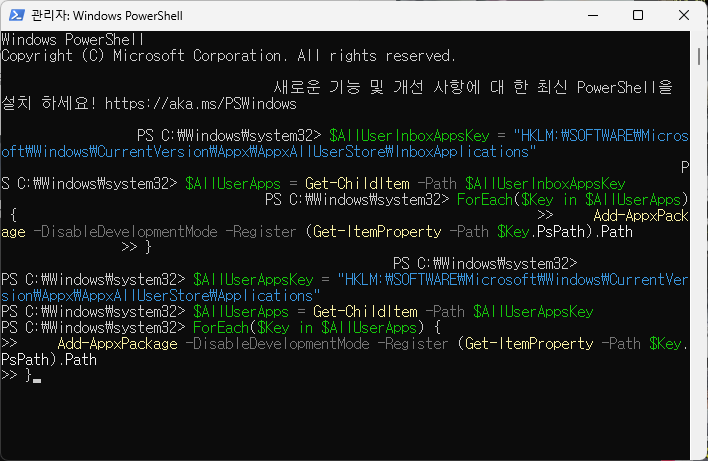
$AllUserInboxAppsKey = "HKLM:\SOFTWARE\Microsoft\Windows\CurrentVersion\Appx\AppxAllUserStore\InboxApplications"
$AllUserApps = Get-ChildItem -Path $AllUserInboxAppsKey
ForEach($Key in $AllUserApps) {
    Add-AppxPackage -DisableDevelopmentMode -Register (Get-ItemProperty -Path $Key.PsPath).Path
}

$AllUserAppsKey = "HKLM:\SOFTWARE\Microsoft\Windows\CurrentVersion\Appx\AppxAllUserStore\Applications"
$AllUserApps = Get-ChildItem -Path $AllUserAppsKey
ForEach($Key in $AllUserApps) {
    Add-AppxPackage -DisableDevelopmentMode -Register (Get-ItemProperty -Path $Key.PsPath).Path
}
붙혀넣기
반응형